AI Image Translator – Translate Images Online with AI
Use Imglot, an AI image translator, to translate text in images into your preferred language. Translate comics, screenshots, menus, and product images while preserving the original layout.
AI image translator for every type of image
Use our AI image translator to translate text in pictures, screenshots, comics, menus, and more. Upload an image and get a translated version without manually copying the text.
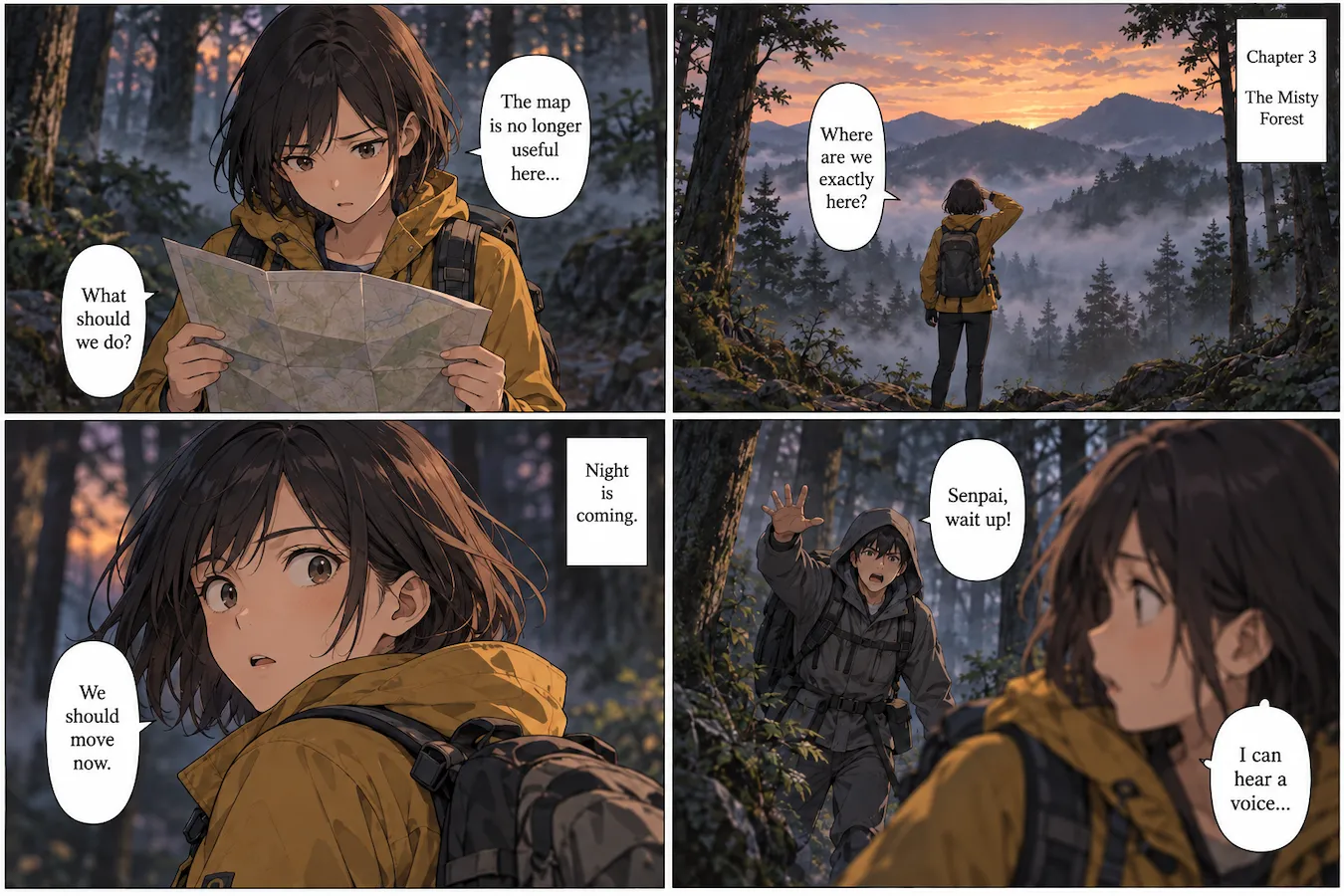
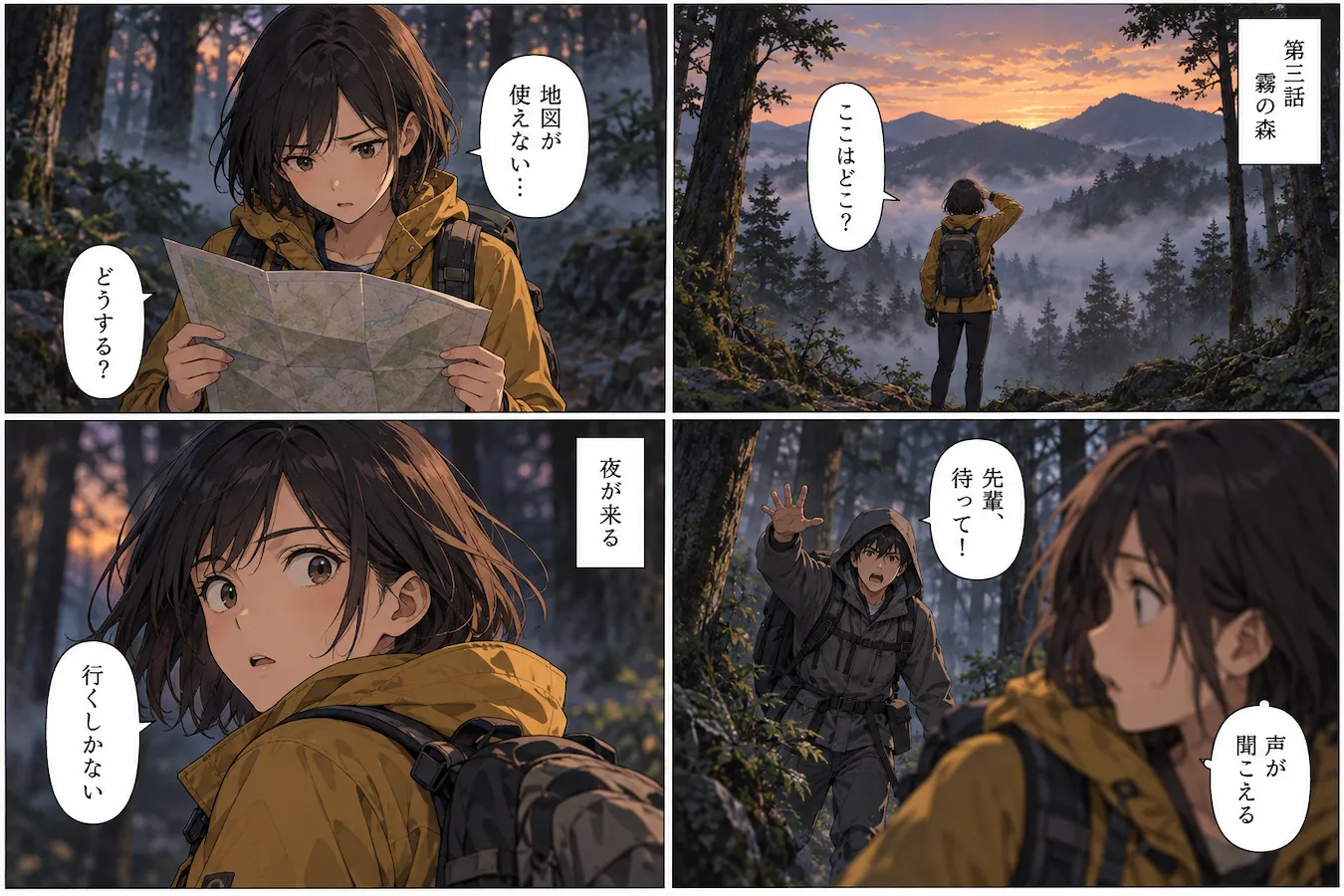
Comics & Manga
Read comics and manga in your language
Translate manga panels, comic pages, and webtoons without losing track of the story. Imglot translates dialogue, captions, and other visible text while keeping the original artwork and panel layout recognizable.
Screenshots
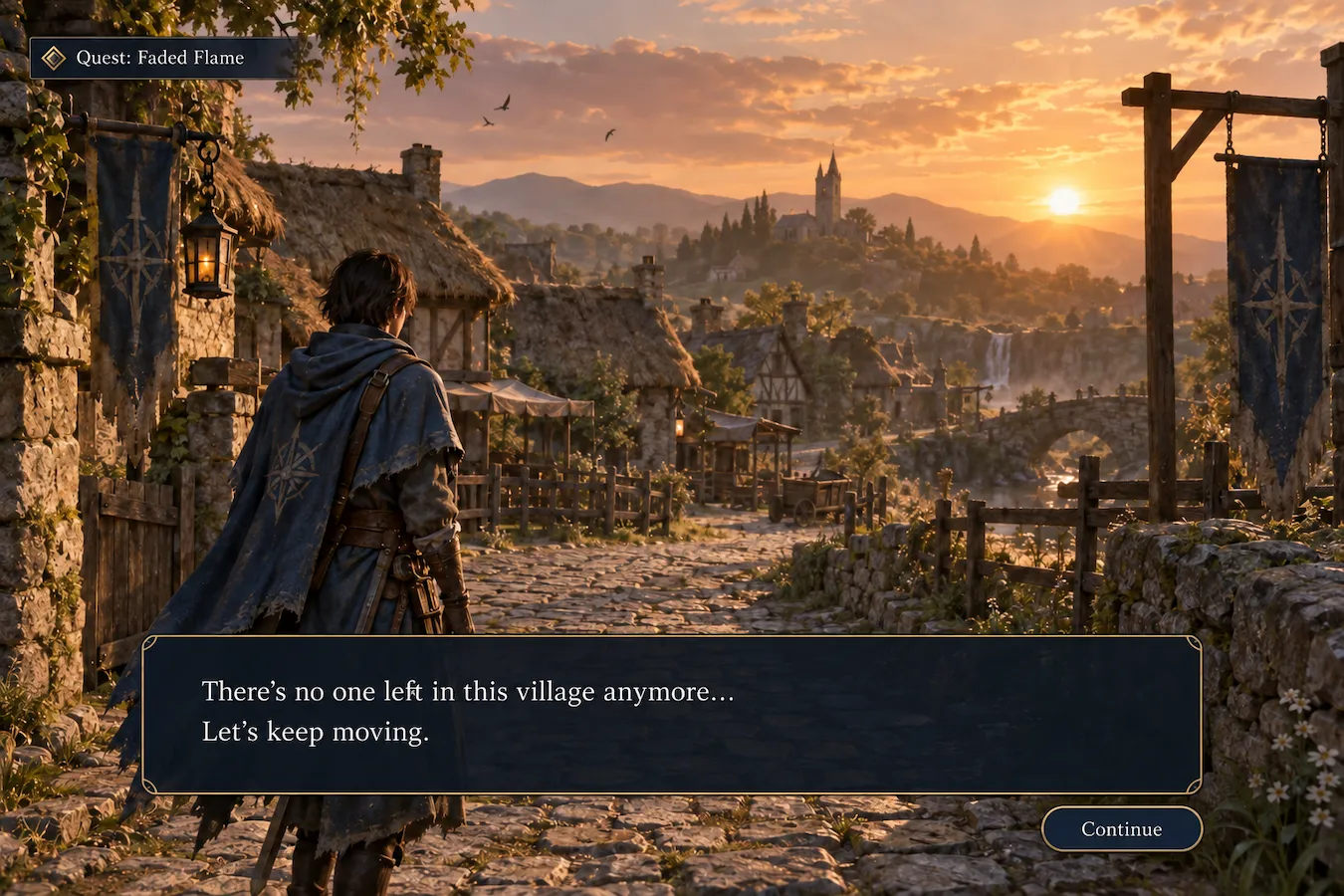
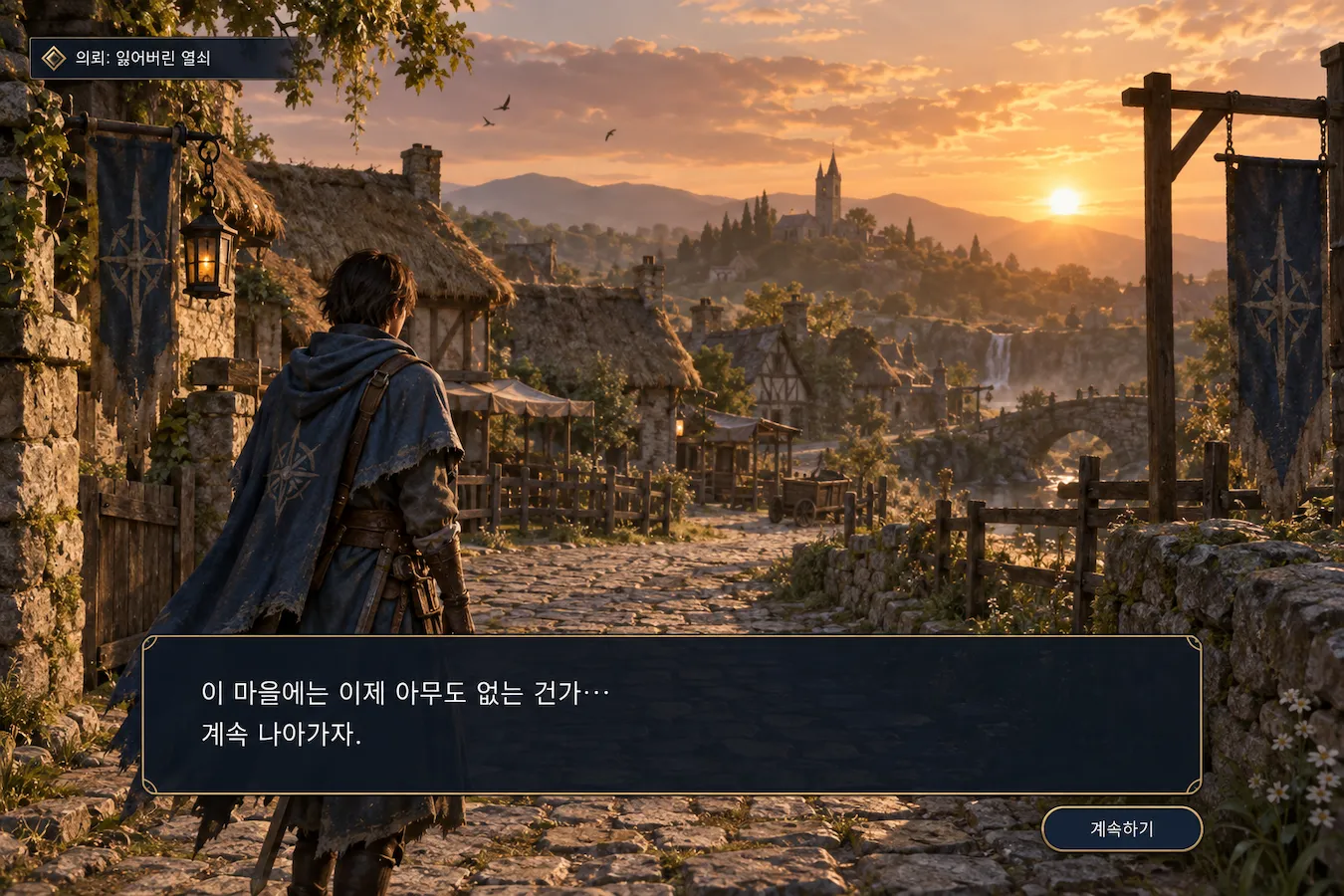
Translate screenshots in seconds
Understand foreign-language game screens, app interfaces, website screenshots, and chat images. Translate text directly from a screenshot without manually copying each line into a separate translator.
Travel
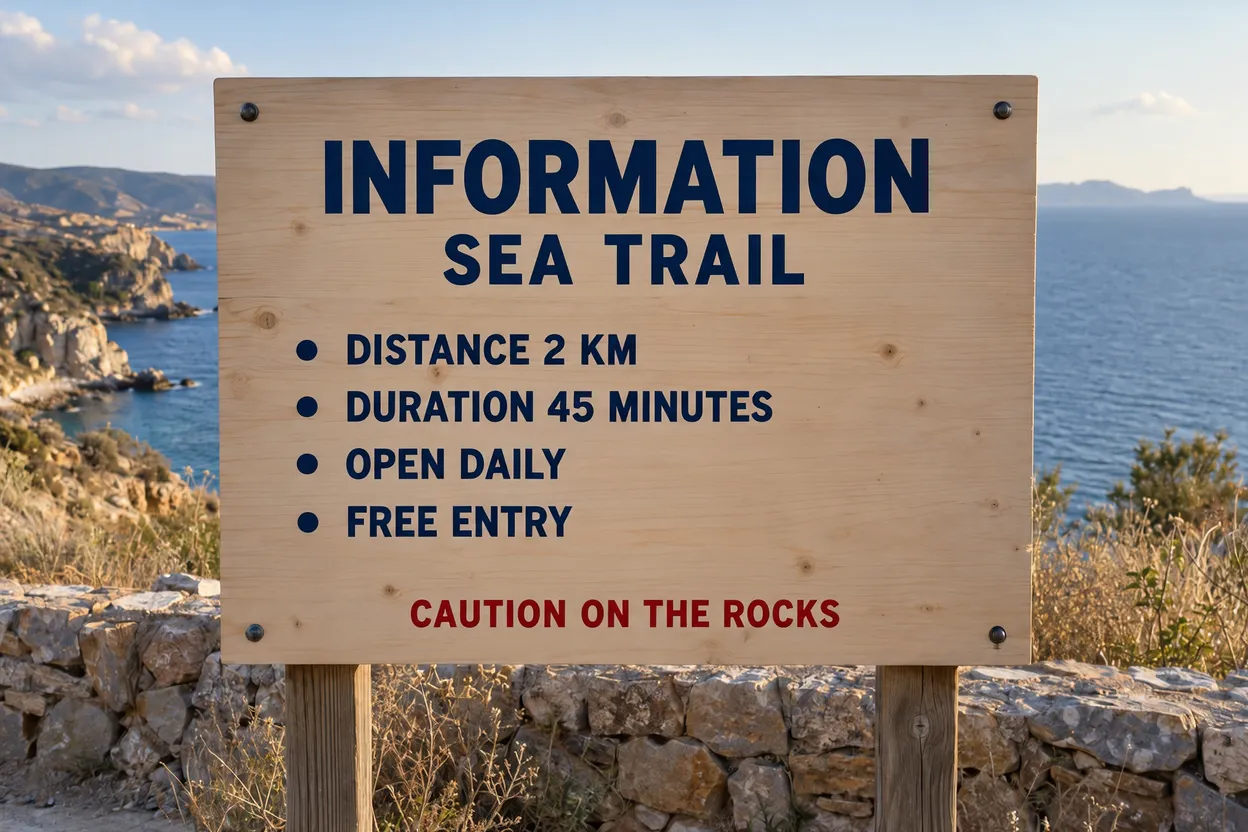
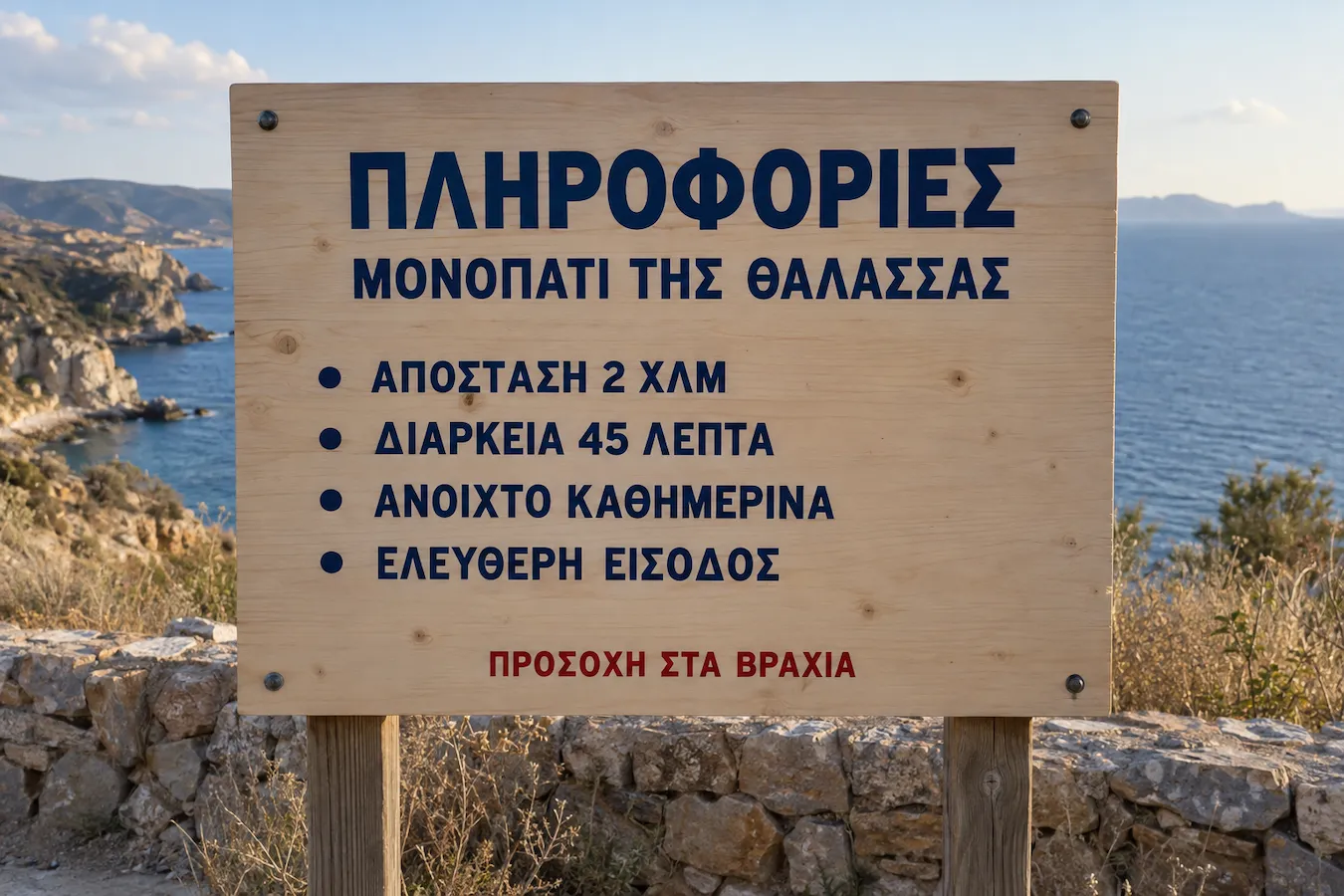
Understand signs and information while traveling
Translate photos of street signs, public notices, attraction guides, and other travel information. Get a clearer idea of what you are looking at, even when you cannot read the local language.
Menus
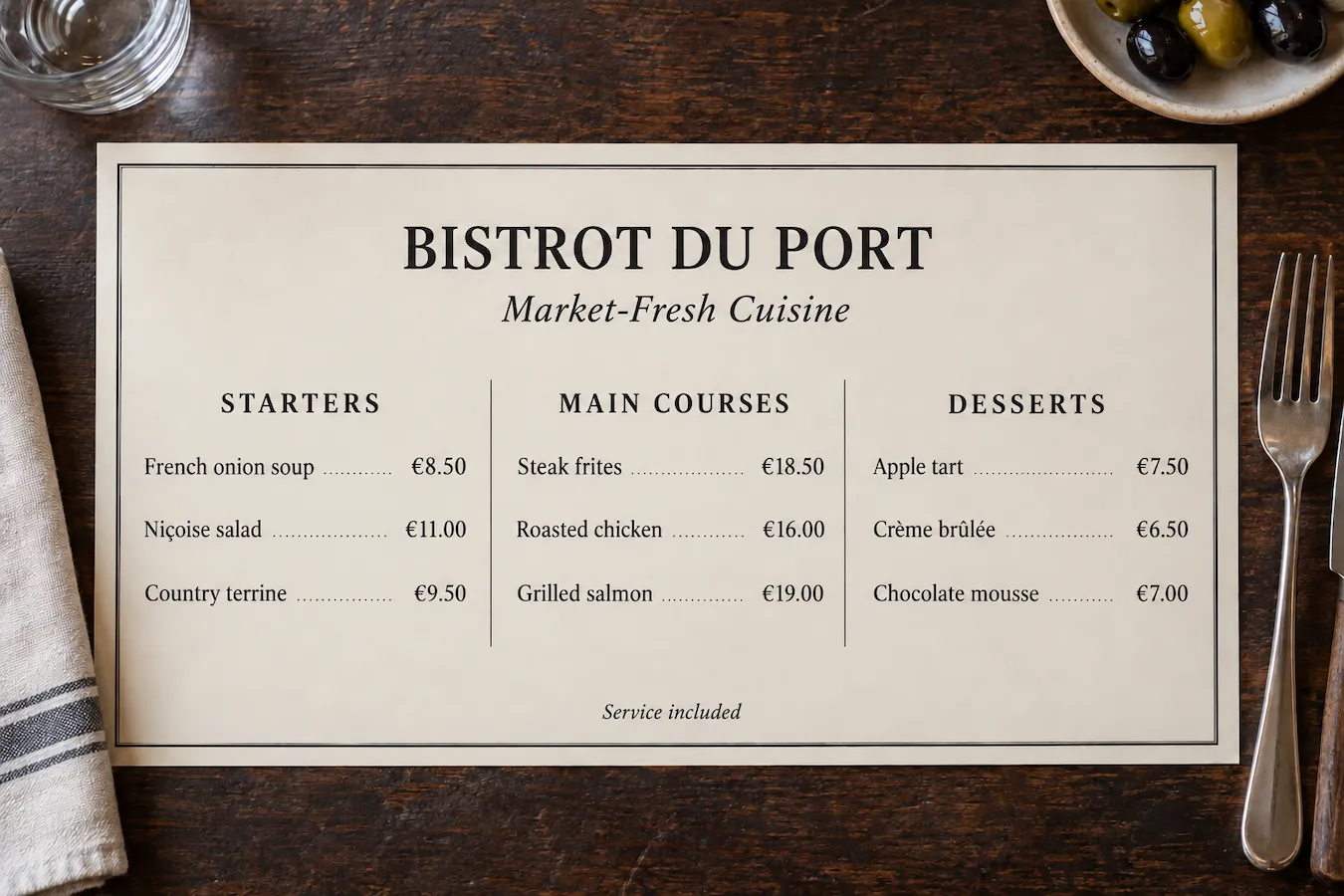
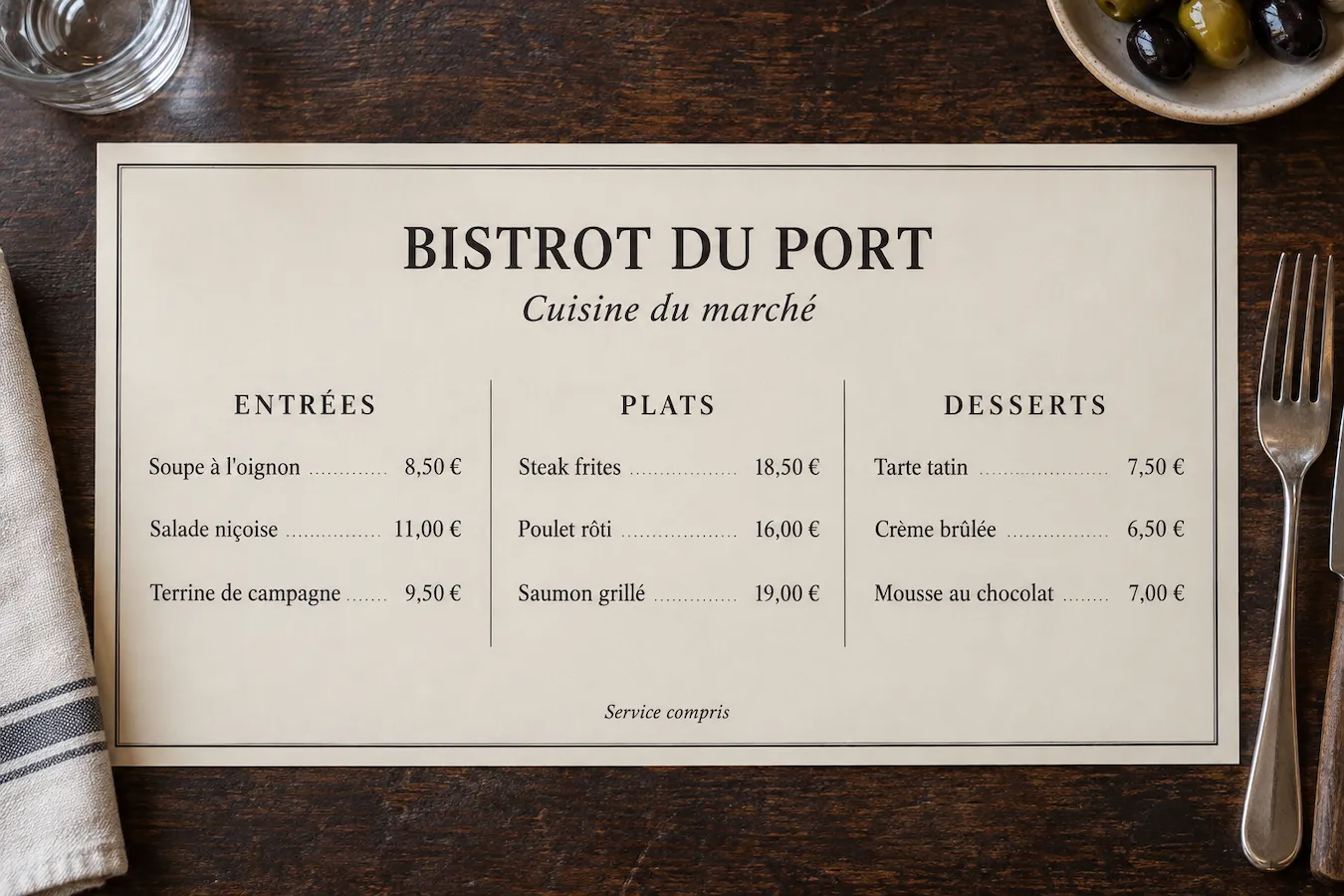
Translate restaurant menus and food labels
Read foreign-language menus, dish descriptions, and food packaging with less guesswork. Translate the text in a menu photo or food label to better understand what you are ordering or buying.
Memes
Understand memes and internet humor
Catch the meaning behind foreign-language memes, social media graphics, and image posts. Translate the text in the image to follow online conversations and discover content from other cultures.
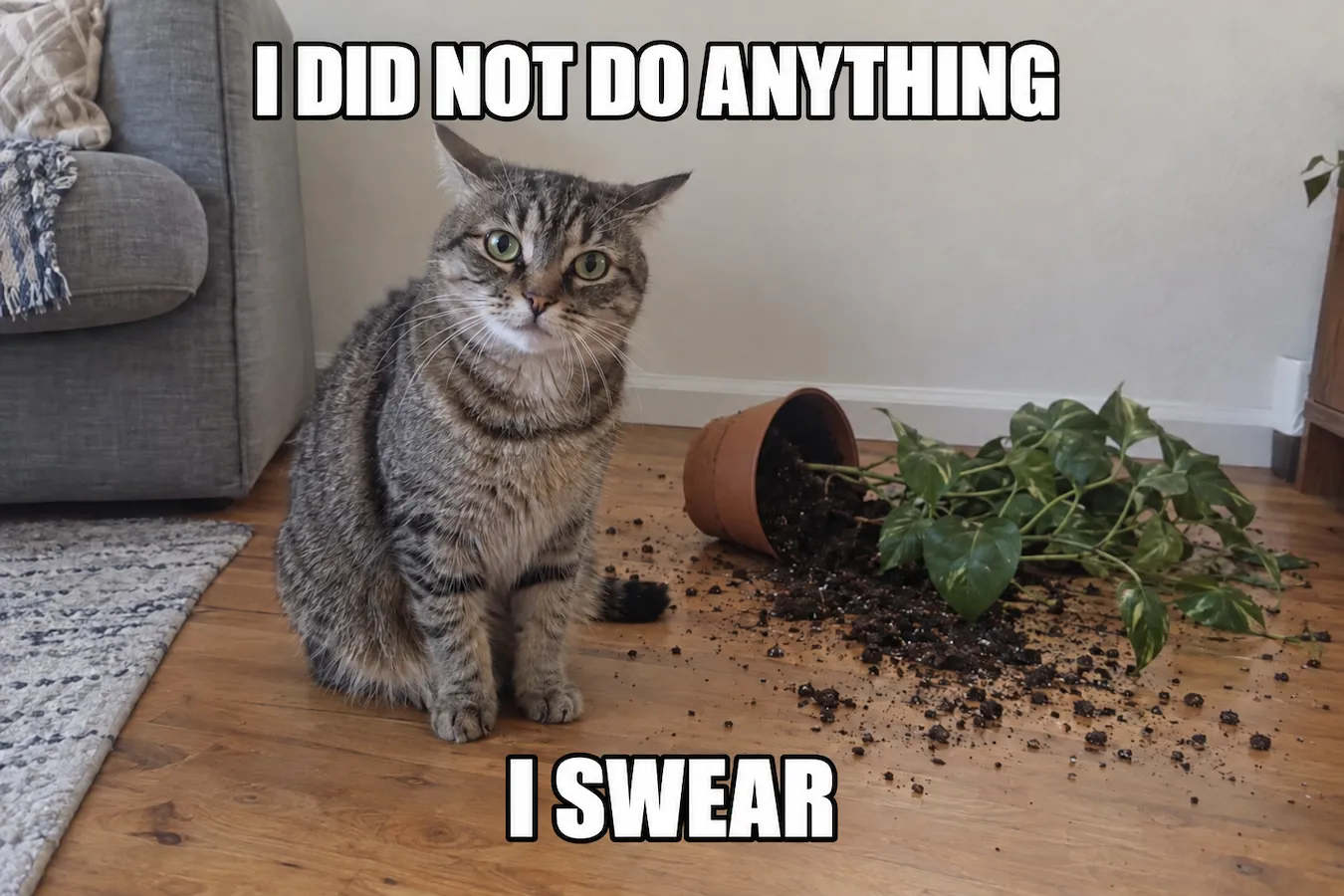
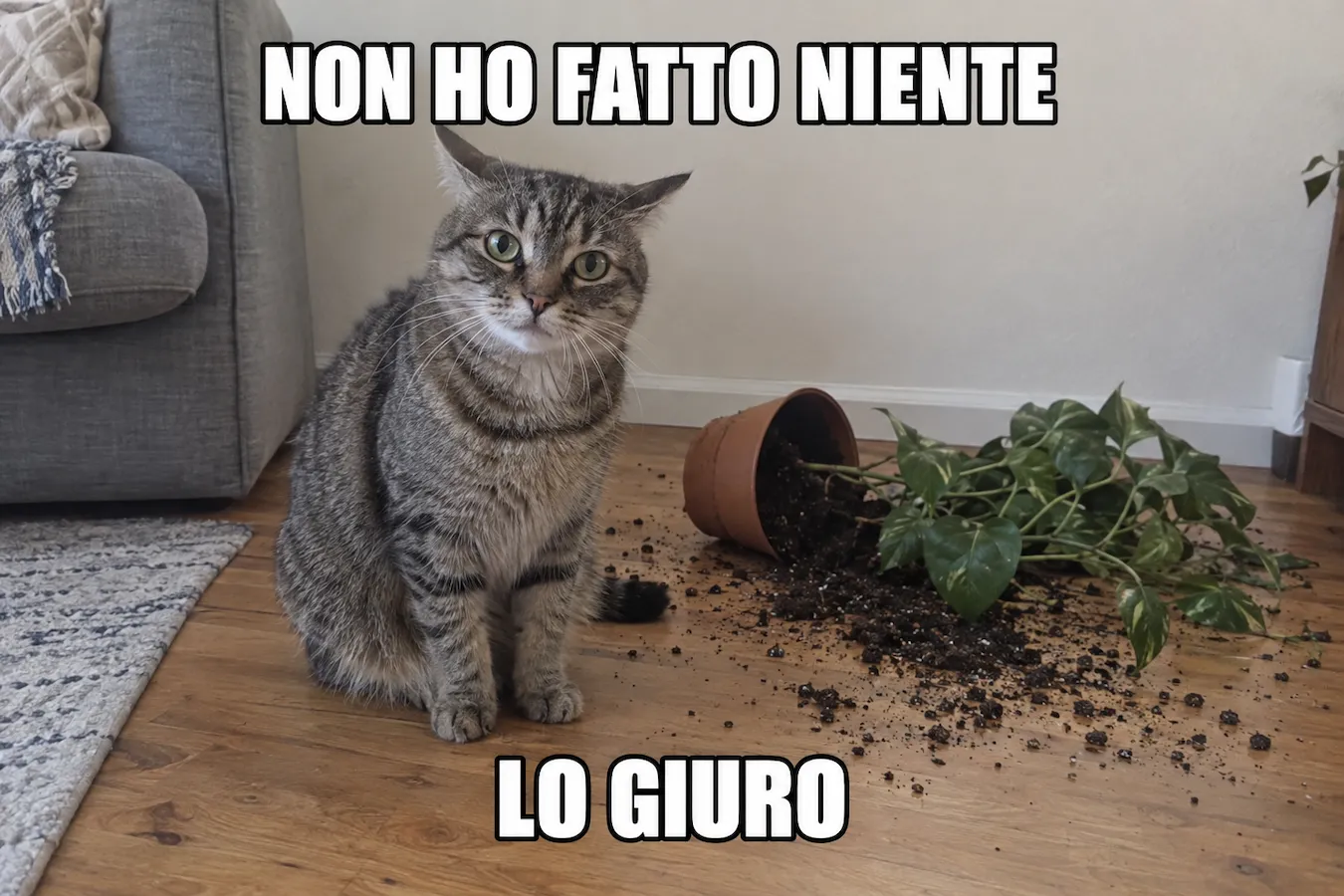
Product Labels
Read product labels in other languages
Make sense of product packaging, ingredient lists, usage instructions, and printed labels. Translate visible text in product photos to help you understand items purchased locally or from overseas.
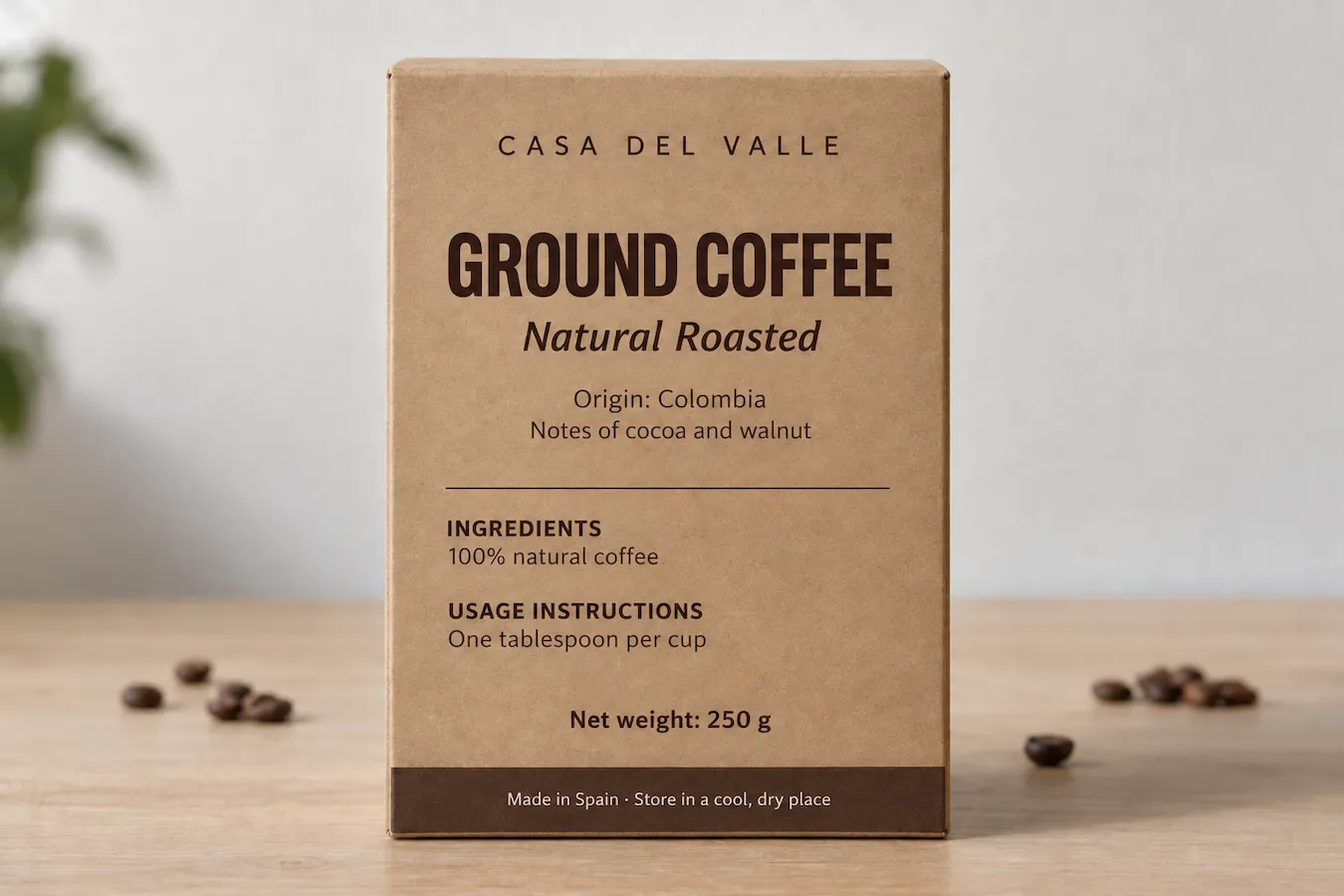
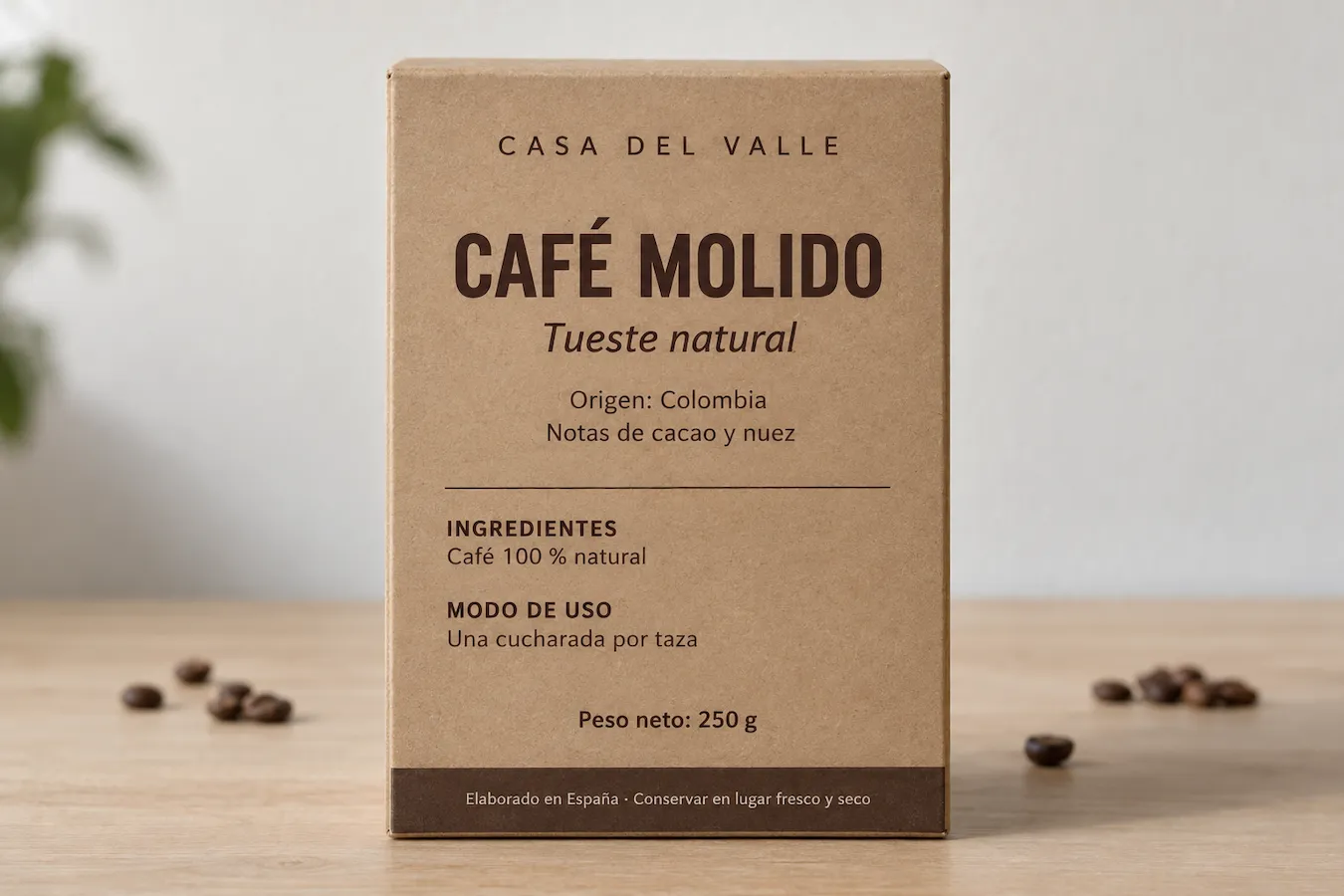
E-Commerce
Shop across languages with confidence
Understand overseas product images, promotional graphics, feature callouts, and shopping information. Translate embedded text to compare products and make more informed purchasing decisions.

Why choose Imglot AI image translator?
Imglot makes AI image translation simple. Translate text inside images, understand foreign-language content, and keep the original visual layout recognizable with an easy online image translator.
Fast AI Image Translation
Use Imglot AI image translator to translate text inside images in a few simple steps. Upload an image, choose a target language, and get a translated result without manually copying the text.
Translate Across Languages
Translate image text between the languages available in Imglot. Understand content from other countries without needing to read the original language.
Professional-Quality Results
Get translations that aim to preserve the meaning and context of the original text. For important names, numbers, and specialized terms, review the result before using it.
AI-Powered Text Recognition
AI helps identify text inside images and translate it in context. From short labels to dialogue and longer text blocks, make visual content easier to understand.
Original Layout Preservation
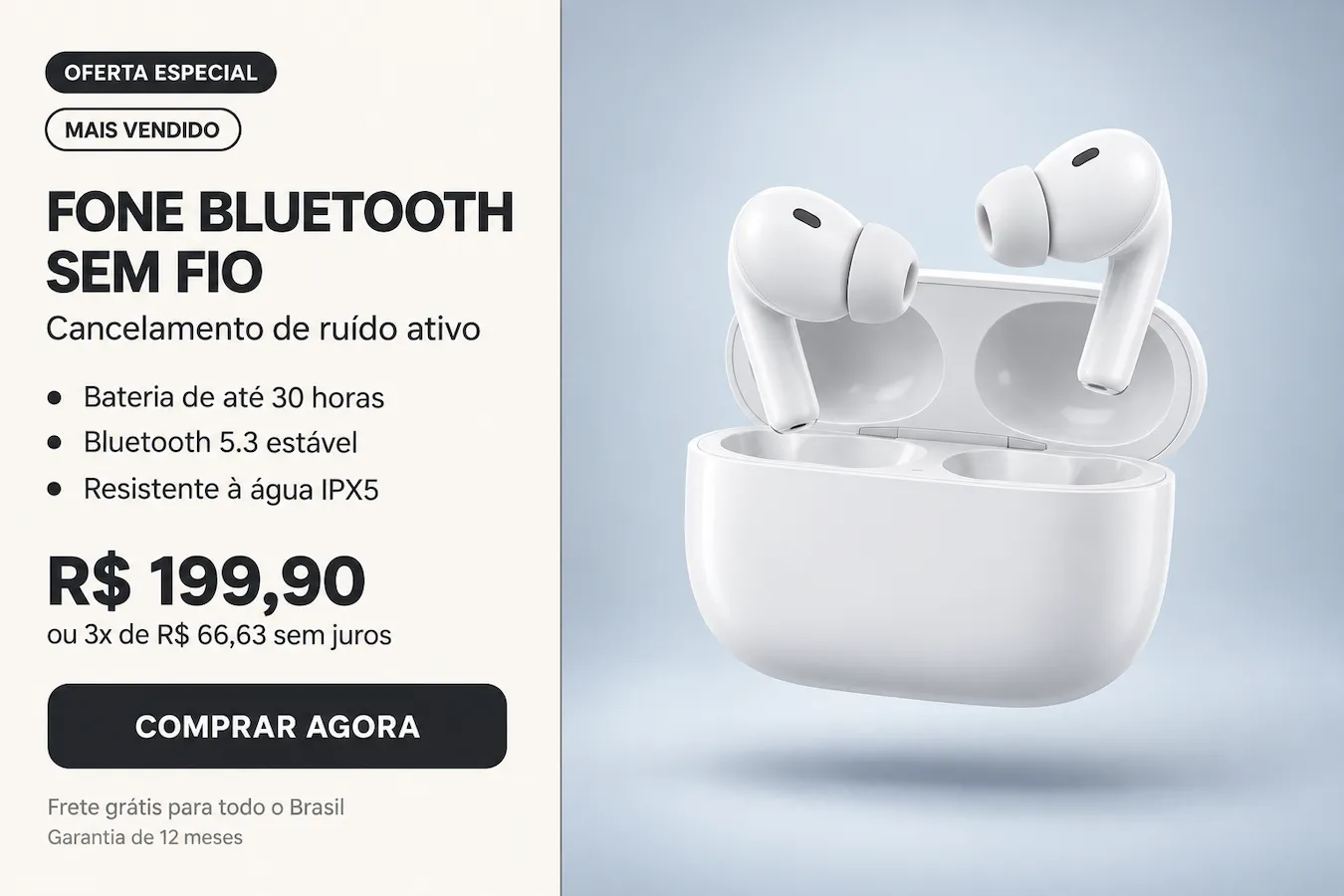
Keep the original image structure recognizable while translated text is placed as close as possible to its original position. Images remain easier to follow without relying on a separate block of extracted text.
Batch Image Translation
Translate multiple images at once with Imglot AI image translator. Save time when translating collections of screenshots, manga pages, or product images instead of processing each image individually.
How to translate an image with AI
Translate images online in three simple steps. Upload your image, choose a target language, and let Imglot AI image translator turn unfamiliar text into content you can understand.
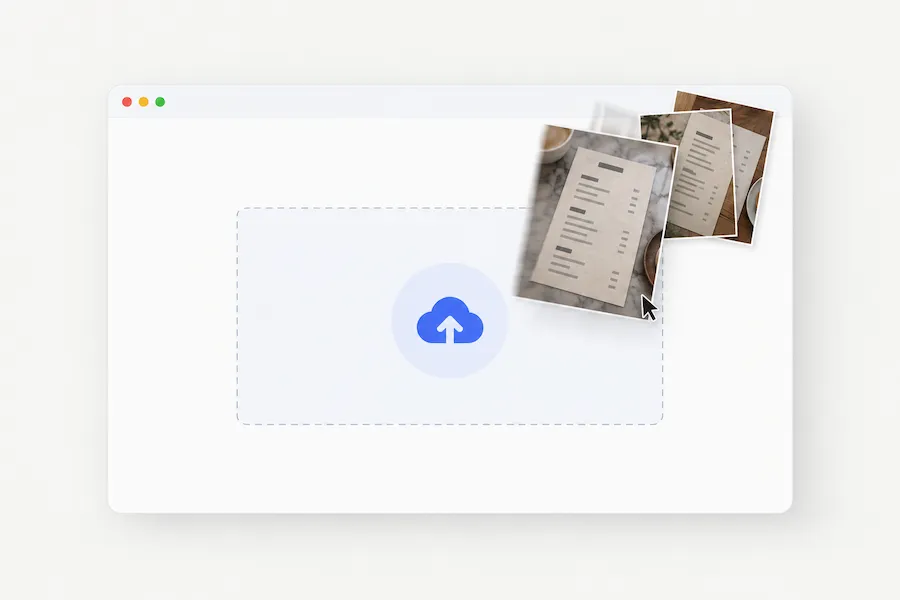
1. Upload Your Image
Choose an image containing text you want to understand. It can be a screenshot, comic page, menu, product image, or another supported picture.
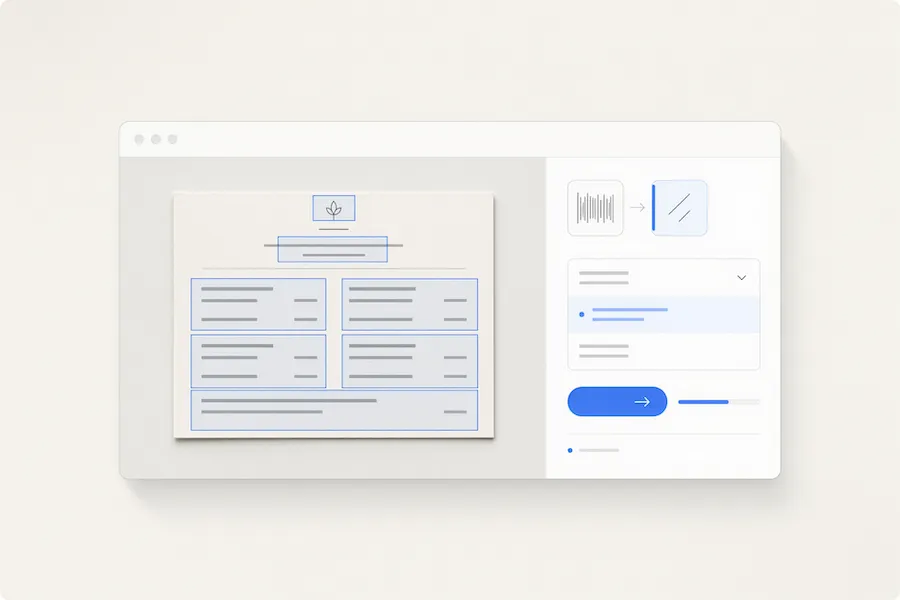
2. Choose a Language and Translate
Select your target language from the available options and start the translation. Imglot identifies visible text and generates a translated version of the image.
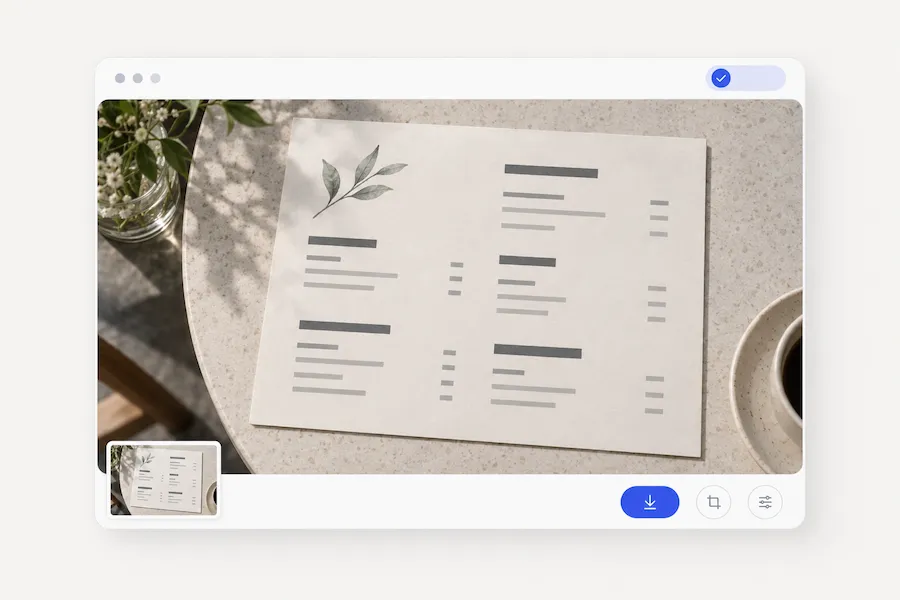
3. Review and Use Your Translated Image
Check the translated text and make sure the important details are correct. Once the result is ready, use the available options to save or share your translated image.
Choose your plan
Free images include a watermark. Upgrade for watermark-free, faster & batch translation, and commercial use.
Starter
20% Off
$7
/ month, billed yearly
30 Credits/mo for translations
30 image translations/month
Batch image translations
High quality images
Faster generation
Private generation
No watermarks
Commercial use license
Pro
50% Off
$9
/ month, billed yearly
200 Credits/mo for translations
200 image translations/month
Batch image translations
High quality images
Faster generation
Private generation
No watermarks
Commercial use license
Early access to advanced AI features
Max
50% Off
$19
/ month, billed yearly
500 Credits/mo for translations
500 image translations/month
Batch image translations
High quality images
Faster generation
Private generation
No watermarks
Commercial use license
Lowest cost per credit
Early access to advanced AI features
FAQs about image translate AI
An AI image translator is a tool that detects text inside an image and translates it into another language. Imglot AI image translator helps you translate text in pictures, screenshots, manga, menus, and product images while keeping the visual context recognizable.
To translate an image online with Imglot, upload your image, select a target language, and start the translation. Our AI image translator identifies visible text and generates a translated result, so you don't need to type out the original text manually.
Yes. If English is available as a target language in Imglot, select it before translating. This is useful for understanding foreign-language screenshots, manga pages, menus, signs, and online product images.
Imglot supports image translation between the languages offered in its language selector. Available languages may vary by translation direction, so check the options in the translator to find the language pair you need.
Imglot is designed to keep the original layout recognizable while translating text within an image. The result may vary depending on image quality, font styles, text placement, and design complexity. Review the translated image to make sure it looks right.
Yes. Manga pages, comic panels, game screenshots, app interfaces, and website screenshots are useful applications for an AI image translator. Imglot helps you understand dialogue, labels, and other visible text while retaining the visual context of the original image.
Yes. Imglot supports batch image translation, allowing you to translate multiple images in one workflow. It's a convenient way to translate collections of screenshots, comic pages, or product images without uploading and translating each image separately.
Start with a clear, high-resolution image where the text is legible and not cut off. Avoid blurry or heavily compressed images when possible. After translation, double-check names, prices, numbers, small print, and specialized terms, as AI translation and text recognition may not always be perfect.
Ready to translate your images?
Try Imglot AI image translator to translate text in images, screenshots, comics, menus, and more. Upload an image and make foreign-language content easier to understand.